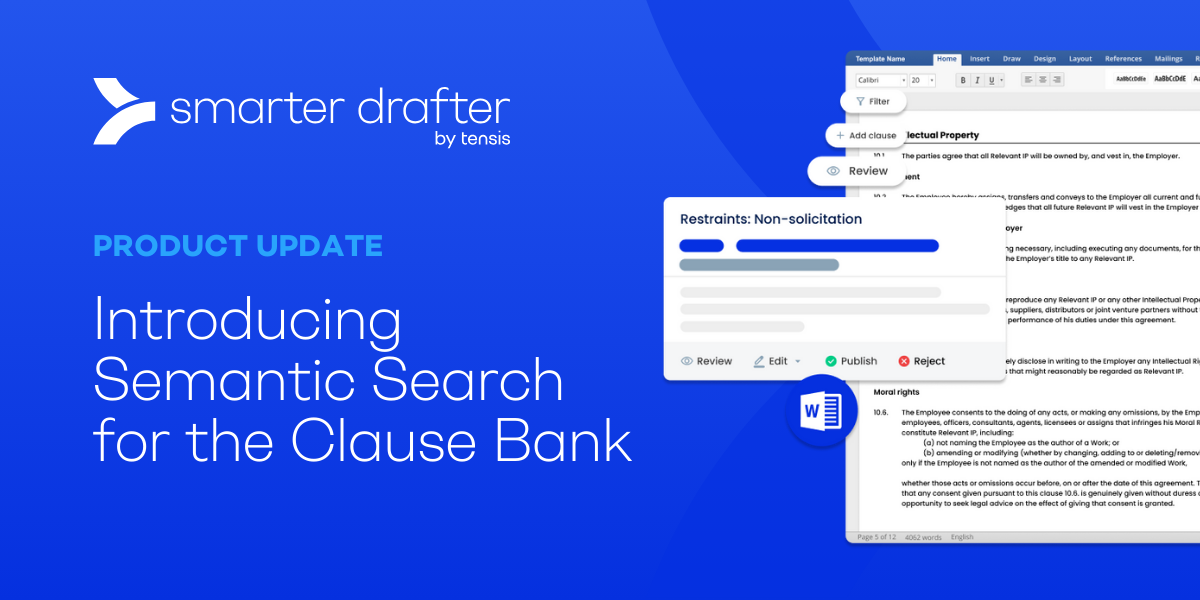
AI-enabled semantic search has been added to Clause Bank by Smarter Drafter.
 ·
2 minute read
·
2 minute read
Here’s what we’ve released over the past couple of months, starting with the biggest step yet for Co-Builder.
Meet Co-Builder: your template, turned into a form
Building a form used to start with a blank page. Not anymore.
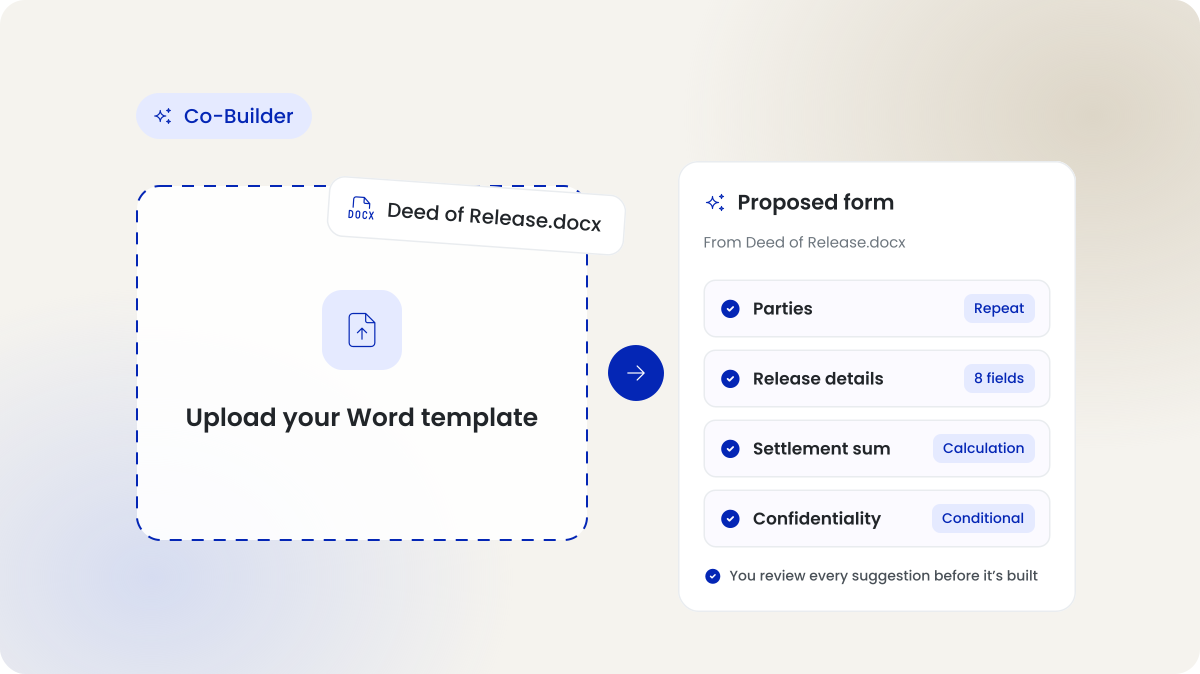
Co-Builder is our AI agent. It does the heavy lifting of building your automations, so you go from template to working form in a fraction of the time.
Upload a marked-up Word template or a completed precedent. Co-Builder proposes the sections, fields, logic and rules for you. Then keep building by simply describing what you need in plain language.
You stay in control. Every suggestion sits next to the highlighted document, so you can check it before anything gets built.
And your documents? Still generated by the same deterministic engine you trust today. Co-Builder never touches document generation.
Live document drafting preview
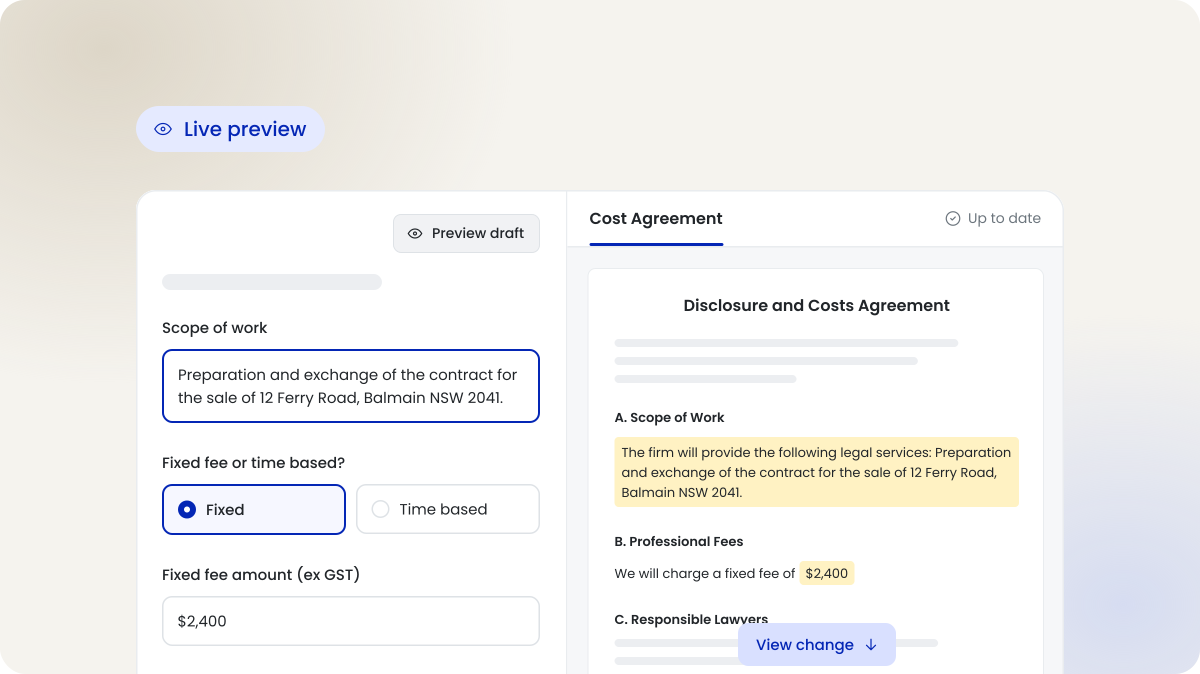
Our clients are calling it a gamechanger.
No more waiting until you submit to see what you’ve drafted. Open Preview draft and your document sits right beside the form. Answer a question. Watch it update in real time.
It runs on the same engine as your final output. What you see is exactly what you get. No surprises at the end.
Working on a pack? Flick between documents. Spot a placeholder? Click it and jump straight to the question behind it. Need a copy now? Download a DOCX at any point.
Live in Test, the Form Library and iManage.
Emails, done for you
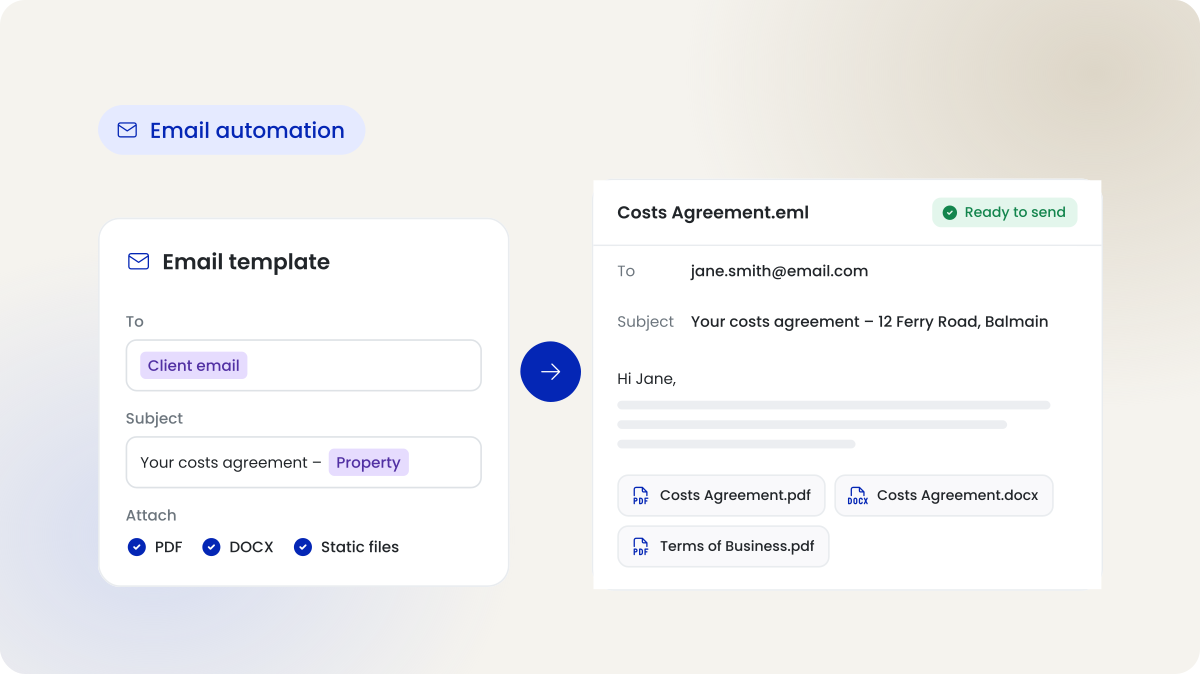
Email automation is now generally available.
If your team sends the same email after every matter step, this one’s for you. Build an email template the same way you build a document template. Every submission then produces a ready-to-send email, with recipients, subject line and attachments already filled in from the form.
Attach PDF or DOCX versions of your documents. Add static files like terms or checklists. Check it, then hit send.
Less copy and paste. Fewer missed attachments. More time for the work that matters.
Se up your firm email template
Draft from Claude and Copilot
Smarter Drafter MCP is now officially listed in the Claude directory and Microsoft Copilot.
That means your lawyers can start forms and generate documents from the AI assistant your firm already uses. No switching apps. No hunting for the right form. Connect in a few clicks.
Connect to Claude Connect to Copilot
Small changes, big difference.
- Submission and document naming conventions: Set your firm’s naming convention once. Every submission and generated document follows it, including files saved to iManage. No more renaming. No more hunting.
- A better iManage submission page: Open each generated file straight from the submission page. Download emails as .eml files ready for Outlook. If a send fails, retry it without regenerating a thing.
- Restrict users in user mapping: Choose exactly which users and groups a drafter can select in each section. The wrong name never ends up in a document.
- New user profile fields: Record each user’s Title, Department, Supervisor and Supervisor’s Position. Your documents pull the right details, and your team structure is reflected properly.